Deploy the connector to your Supabase project
Prepare the project, install the aemc-content Edge Function and configure its two required secrets.
1. Prepare your Supabase project
- A Supabase project you own, with the content tables you already use.
- The Supabase CLI installed locally (supabase --version).
- Your project reference, from Project Settings → General.
No schema changes required
The connector adapts to your existing tables and column names. It never creates or alters your content schema.
2. Get the connector
Download the latest connector from the Downloads page, or deploy it straight from the repository. Both give you the same version — you never need to copy and paste source code unless you deliberately choose manual installation.
Go to Downloads3. Deploy aemc-content
Place the connector file at supabase/functions/aemc-content/index.ts inside your project, then deploy it. The function is public because it authenticates every request itself with a signature.
# 1. Log in and link your project
supabase login
supabase link --project-ref <your-project-ref>

# 2. Deploy the connector (public route, signed requests)
supabase functions deploy aemc-content --no-verify-jwt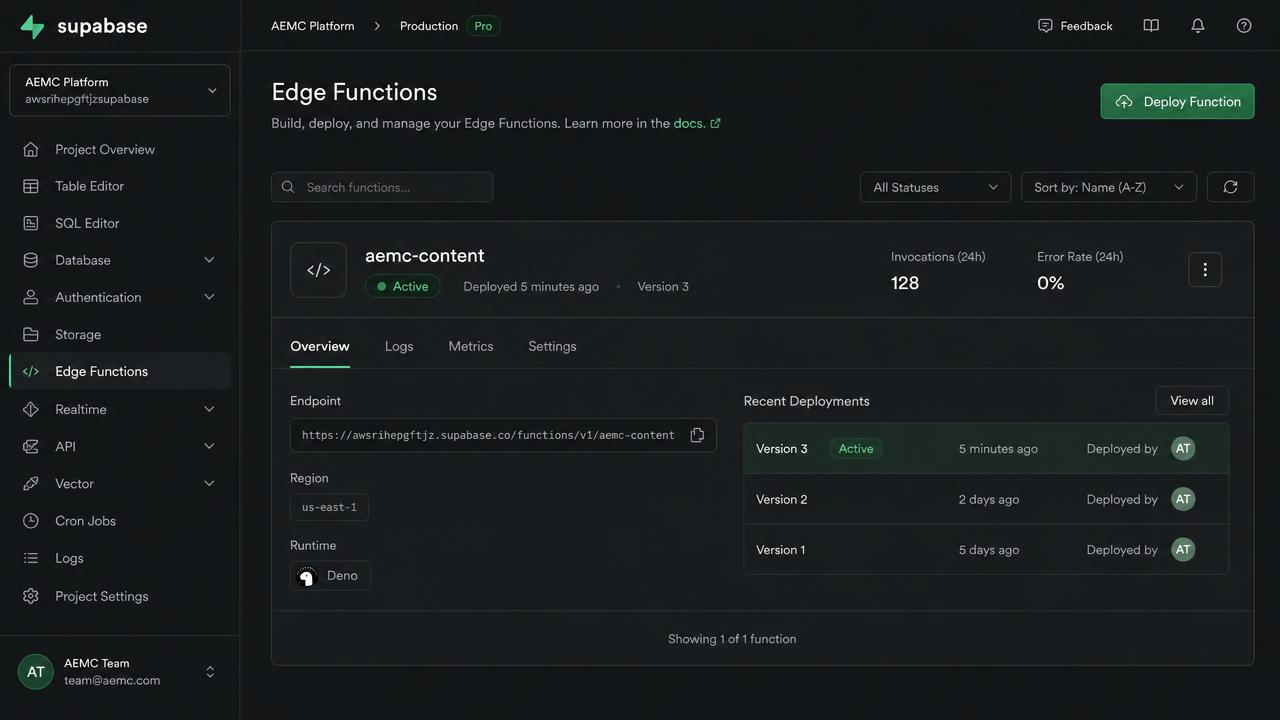
4 & 5. Configure the connection ID and shared secret
AEMC_CONNECTION_ID identifies this connection; AEMC_SHARED_SECRET signs every request. Generate both with the command below and keep the output somewhere safe — you will paste them into AI Explorer Media once.
supabase secrets set \
  AEMC_CONNECTION_ID="conn_$(openssl rand -hex 8)" \
  AEMC_SHARED_SECRET="$(openssl rand -hex 32)" \
  AEMC_SITE_NAME="My site" \
  AEMC_SITE_URL="https://example.com" \
AEMC_FUNCTION_BASE="/aemc-content"Never share your service-role key
AI Explorer Media only ever needs the connection ID and the shared secret. Do not paste your service-role key, database password or any Vault identifier into the connection form or into support messages.
6. Optional: live change notifications
With events enabled, the connector tells AI Explorer Media within seconds when content changes in your project. The envelope carries identity only — event type, object id, timestamp and changed field names — never the body and never credentials.
supabase secrets set \
  AEMC_EVENTS_ENABLED=true \
AEMC_EVENT_ENDPOINT="https://www.aiexplorermedia.com/api/public/hooks/website-sync-event"Events are optional
If you skip this step, scheduled reconciliation still keeps both sides converged — it just takes longer to notice a remote edit.
7. Copy your Supabase project URL
In the Supabase dashboard, open Project Settings → API and copy the project URL. For the connection form, use the functions host: https://<project-ref>.functions.supabase.co
Next: add the connection